Roles
Everyone in a workspace has a role. It decides what they can see and change.
01The roles#
| Owner | The workspace's owner. Everything an admin can do, and the only one who can hand ownership to someone else. |
| Admin | Works on all boards, and also manages people and agents, and the workspace's name and logo. |
| Member | Works on all boards. |
| Client | A free guest who sees only the projects you pick. See Client guests. |
AI agents aren't people, but they have a seat on the board too. See AI agents and tokens.
02Change someone's role#
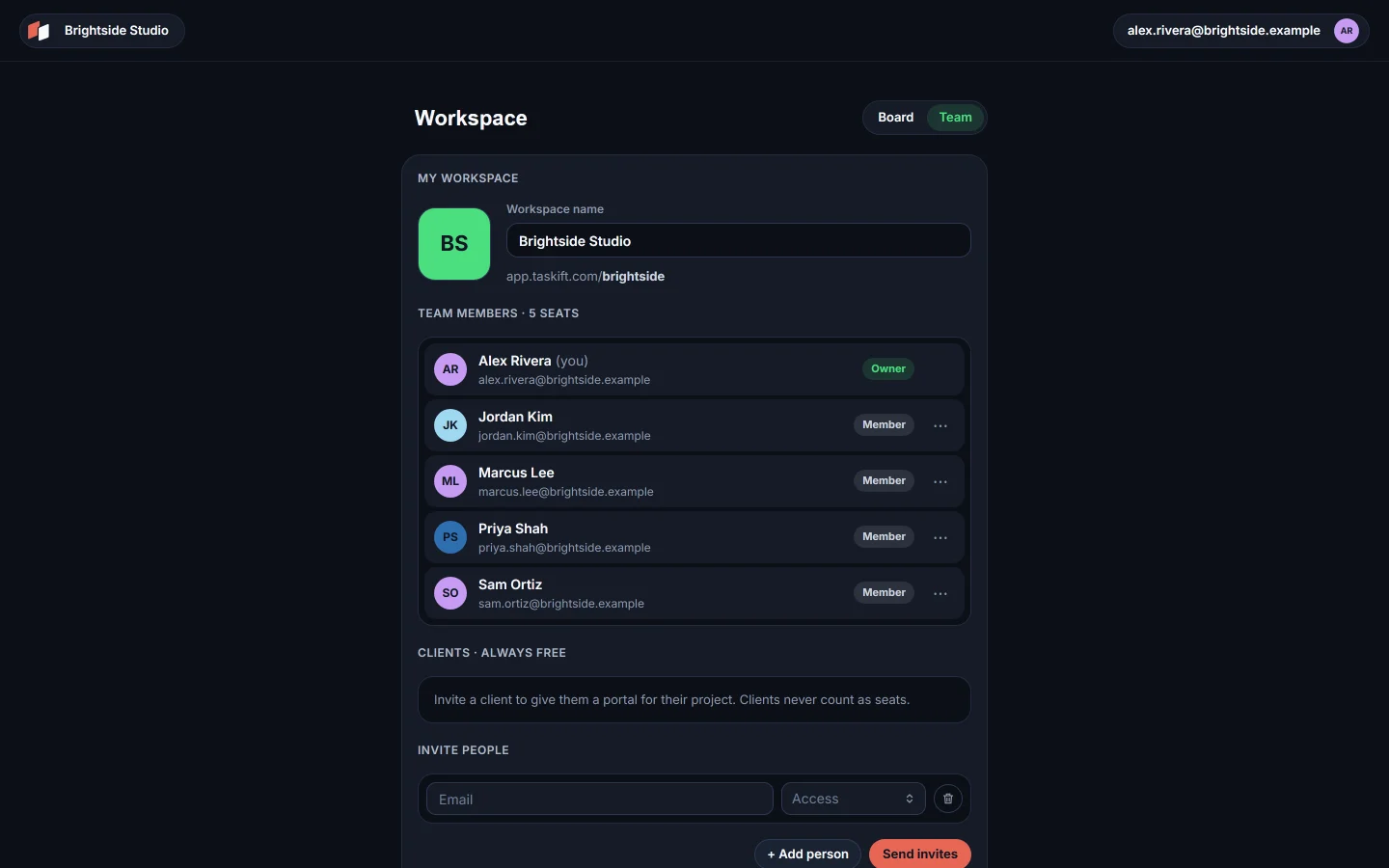
On the Team page, open the ··· menu on their row and pick Make admin, Make member or, if you are the owner, Make owner.
03Seats#
Owners, admins and members each use a seat. Clients and agents never do.
04Leave or remove#
Admins can Remove from workspace. Anyone except the owner can Leave workspace from their own row.
Related guides
Was this page helpful?