Sign in
Taskift has no passwords. Sign in with a one-time code sent to your email, or with your Google or GitHub account.
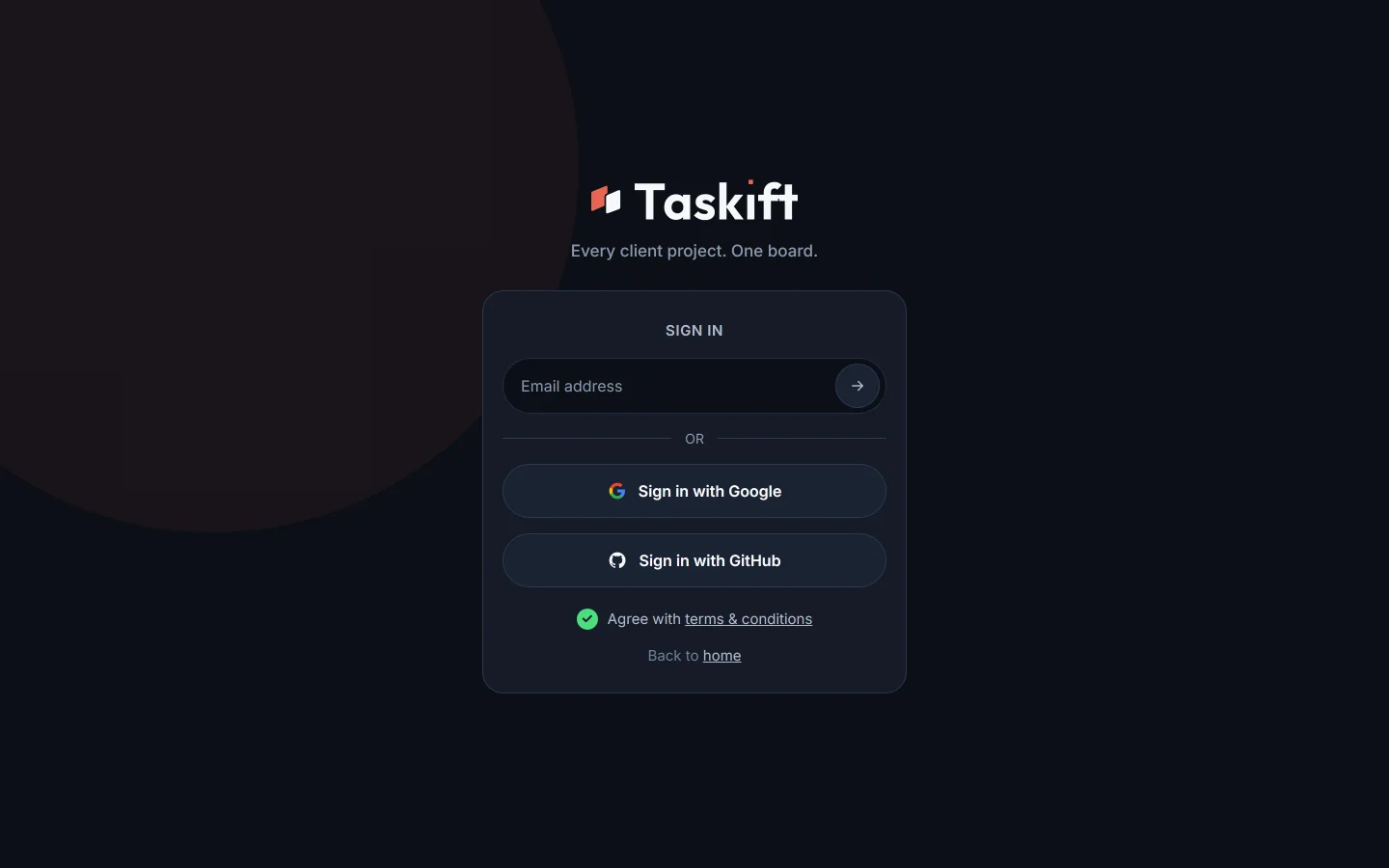
01With your email#
- Go to app.taskift.com and type your email address.
- Taskift emails you a 6-digit code.
- Type the code, or click the link in the email instead.
 Close-up
02With Google or GitHub#
Click Sign in with Google or Sign in with GitHub and approve the sign-in with that account.
03The first time#
The first time you sign in, tick the box to agree to the terms. After that you go straight to your workspace, or to create one if you don't have one yet.
04Signing in from an invite#
An invite email takes you to a page that shows the workspace and your role. Sign in with the address the invite was sent to, then click Accept invite.
Good to know Codes and invite links are for one person. Never forward them.
Related guides
Was this page helpful?