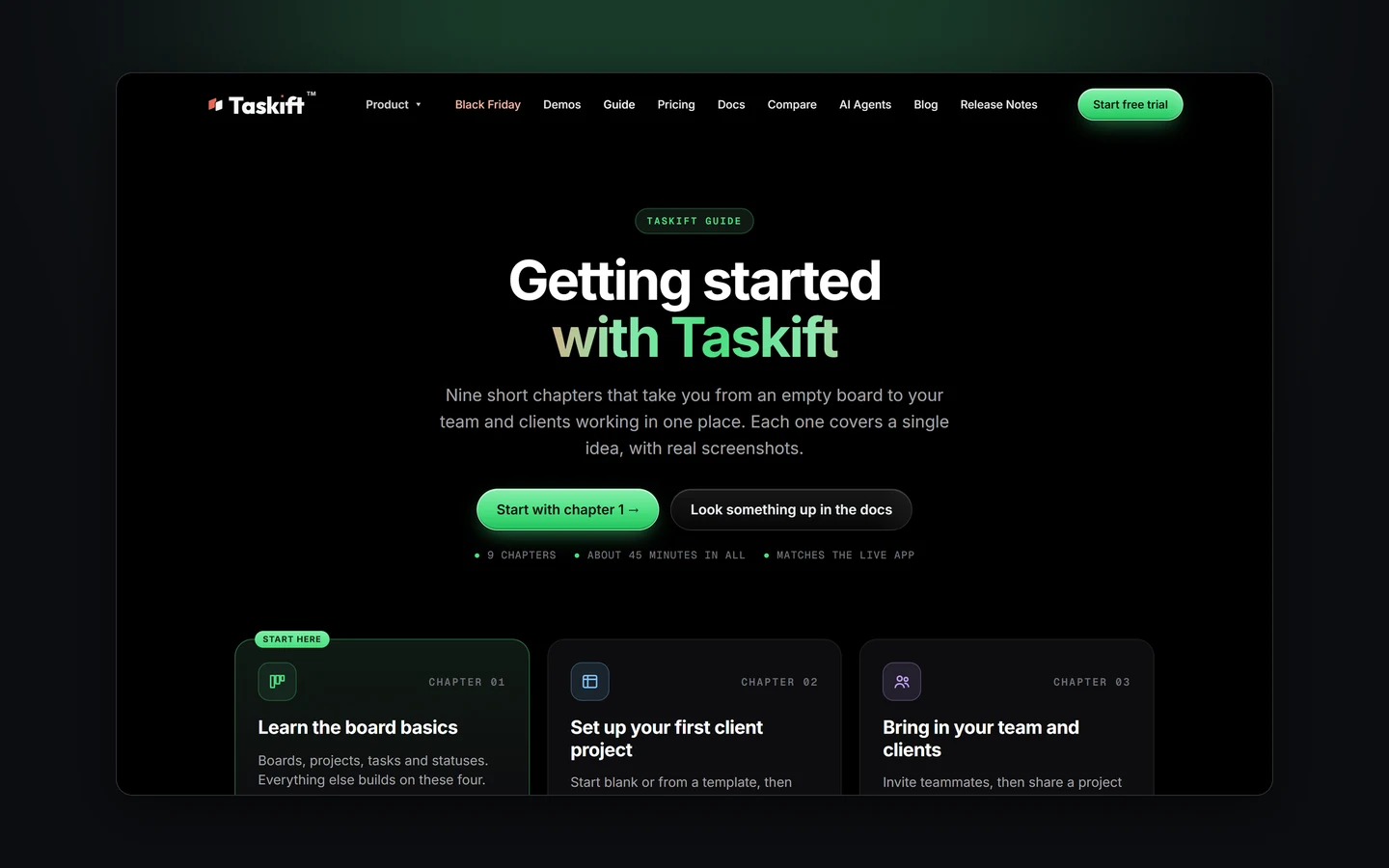
The docs are great when you know what you're looking for. When you're brand new, you don't. So we wrote the Taskift Guide: nine short chapters you read in order, about 45 minutes in all, with real screenshots from the app.
1. What's in it
- Learn the board basics: boards, projects, tasks and statuses.
- Set up your first client project, from blank or a template.
- Bring in your team and clients. Clients are free.
- Pick the right view: Board, List, Gantt, Calendar and Notes.
- Take requests with forms and a project email address.
- Automate the busywork with rules and recurring tasks.
- Put AI agents to work with Claude, ChatGPT or Gemini.
- Connect the tools you use: chat alerts, calendar sync, GitHub and the API.
- Tips and shortcuts that make Taskift feel fast.
2. One idea at a time
Each chapter covers a few things and stops. Every step says exactly what to click, and every screenshot is cropped to the one thing you're looking for. You can read a chapter on your phone between meetings and try it on your board after.
TipShort on time? Read chapter 1, then jump to the chapter for whatever you're setting up today. Each one stands on its own.
3. Where to find it
- On taskift.com: Guide in the top menu, and a section on the homepage.
- In the docs: a "New to Taskift?" card at the top of the docs home.
- In the app: Getting started guide in your account menu, and on the welcome card the first time you sign in.
When you want the detail on one feature, the docs are still the place to look things up.
Try Taskift free for 14 daysNo card to start.Start free trial →