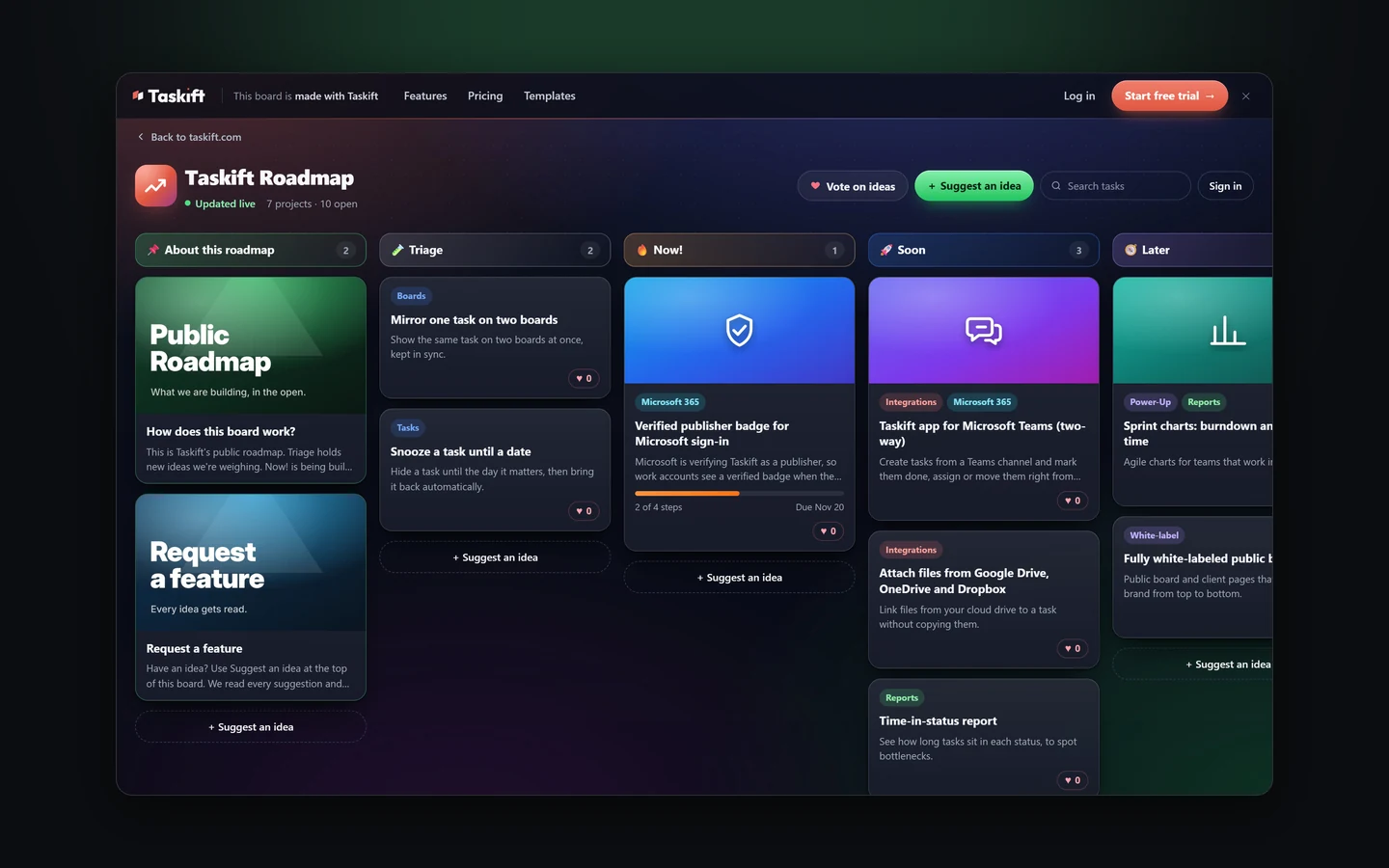
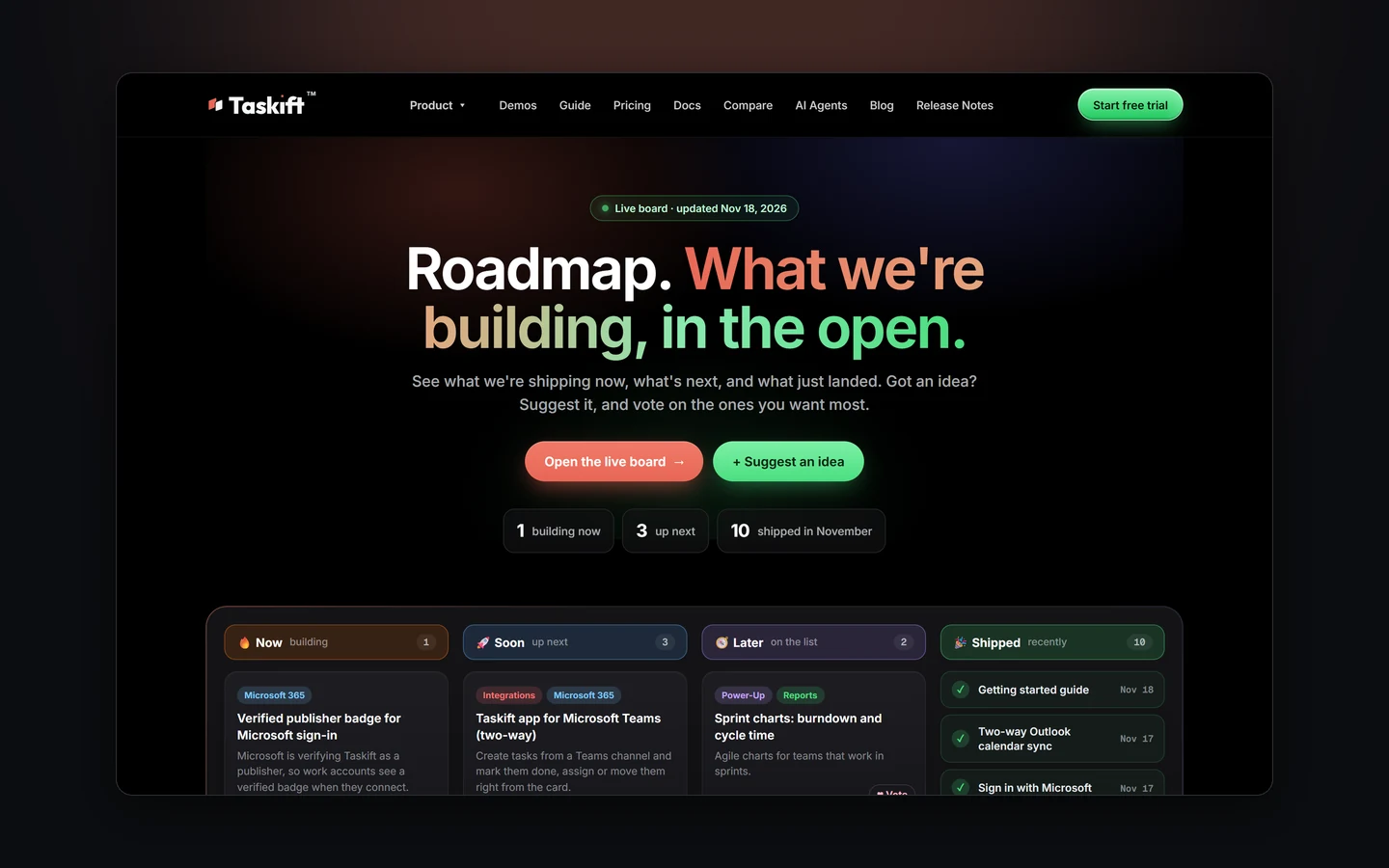
You can now see exactly what we're working on. Our roadmap is a real Taskift board, shared with one link, and it updates the moment we move a card. You can vote for the ideas you want and send us new ones.
1. How to read it
- Triage: new ideas we're weighing.
- Now!: what's being built right now.
- Soon is next, and Later is planned.
- Done: what has shipped, with the date.
- Leaving it for now: ideas we've parked, so you know where they went.
Heart a card to vote for it. Have an idea that isn't there? Click Suggest an idea. We read every suggestion and move the good ones into Triage.
2. Share your own board the same way
Nothing here is special to us. Any board can be a public roadmap, a client request board or a feature wish list.
- Click your board's name at the top left, pick Board Settings and open Visibility.
- Turn on Share the whole board and copy the link. Anyone with it sees every project side by side, view only.
- Want suggestions? Turn on Let outsiders suggest tasks under Public Tasks, and set the button text.
- Want votes? In Reactions, turn on Public reactions.
The public page shows your board's logo and background, cover images, tags and checklist progress. Visitors sign in with an emailed code before they vote or suggest, and nothing they send reaches the board until you approve it.
3. Tell us what to build
The fastest way to move something up our list is to heart it. The second fastest is to suggest it.