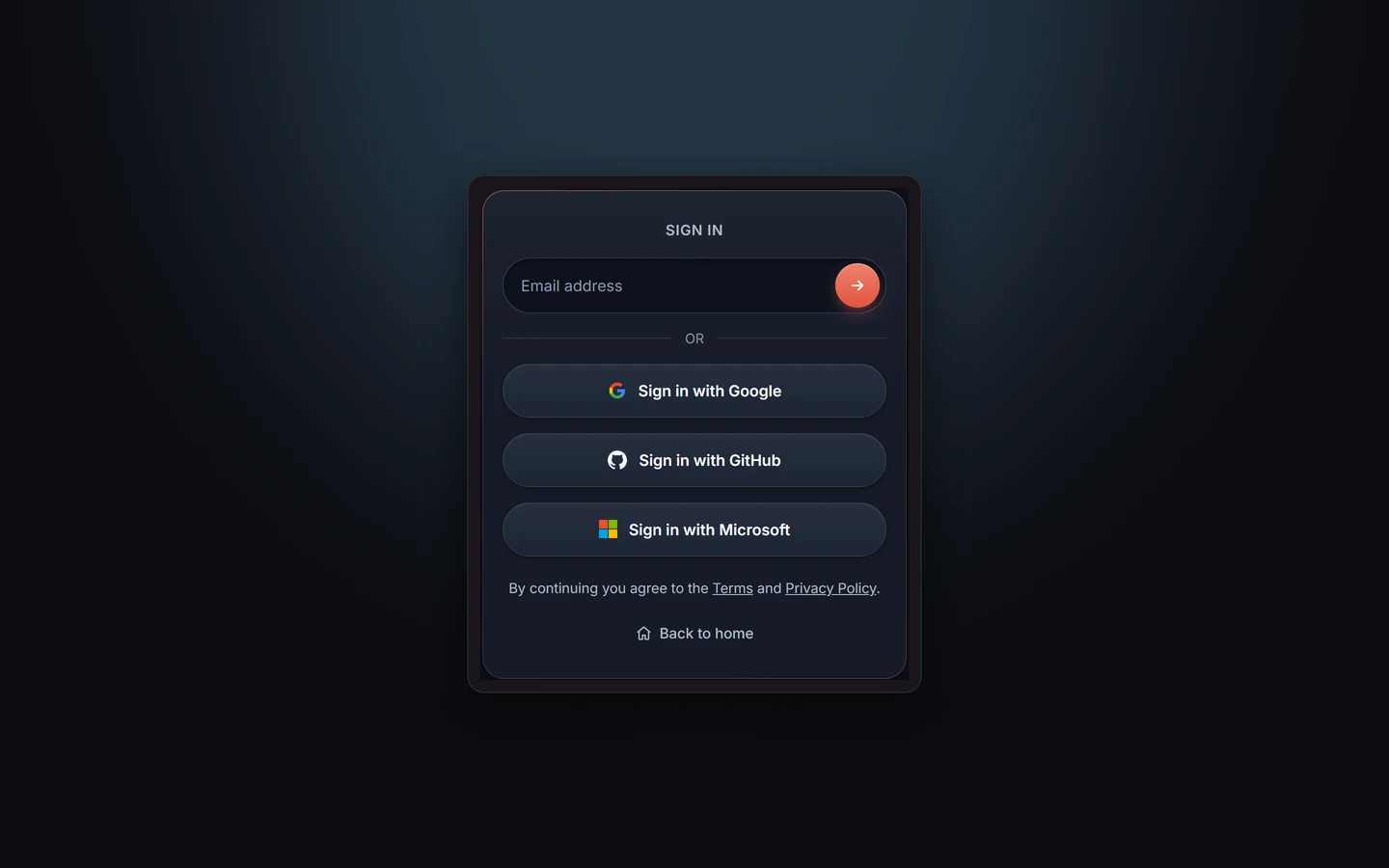
If your team lives in Microsoft 365, Taskift now fits right in. You can sign in with your Microsoft account in one click, and your tasks can sit in your Outlook calendar and stay in sync both ways. Both are included in every plan.
1. Sign in with Microsoft
The sign-in screen has a third one-click option next to Google and GitHub.
- Any Microsoft account: work or school accounts from any company, and personal Outlook, Hotmail and Live accounts.
- Same rules as the others: your first sign-in creates your account and starts the 14-day trial. If your email already has a Taskift account, you land in that one.
- Only who you are: Taskift asks Microsoft for your name and email address, nothing from your mail, calendar or files.
2. Your tasks in Outlook, both ways
- Click your name at the top right and pick Account.
- Scroll to Calendar and click Connect Outlook.
- Sign in with your Microsoft account and approve.
Taskift makes a calendar called "Taskift" and puts your tasks in it. Drag an event to another day in Outlook and the task's due date moves to match. The task's activity shows "(from Outlook)", so everyone knows where the change came from.
TipSome companies need an IT admin to approve Taskift before people can connect a work account. If you see an approval screen, send it to your admin.
3. Use Google and Outlook together
Connect both if you use both. Taskift only touches the calendar it creates, and leaves the rest of your calendars alone. The step-by-step guide is in the docs: Calendar sync and Sign in.
Try Taskift free for 14 daysNo card to start.Start free trial →