Billing should be the most boring part of a project tool. You pay for the people who do the work, you can see what you're paying for, and you can stop without a phone call. Here's how it works in Taskift.
1. You pay per teammate, nothing else
A seat is $5 per user per month on an annual plan, or $6 month to month. Clients never take a seat, so you can invite every client you work with at no cost. Your first 3 AI agents are free too, and annual plans get a 4th.
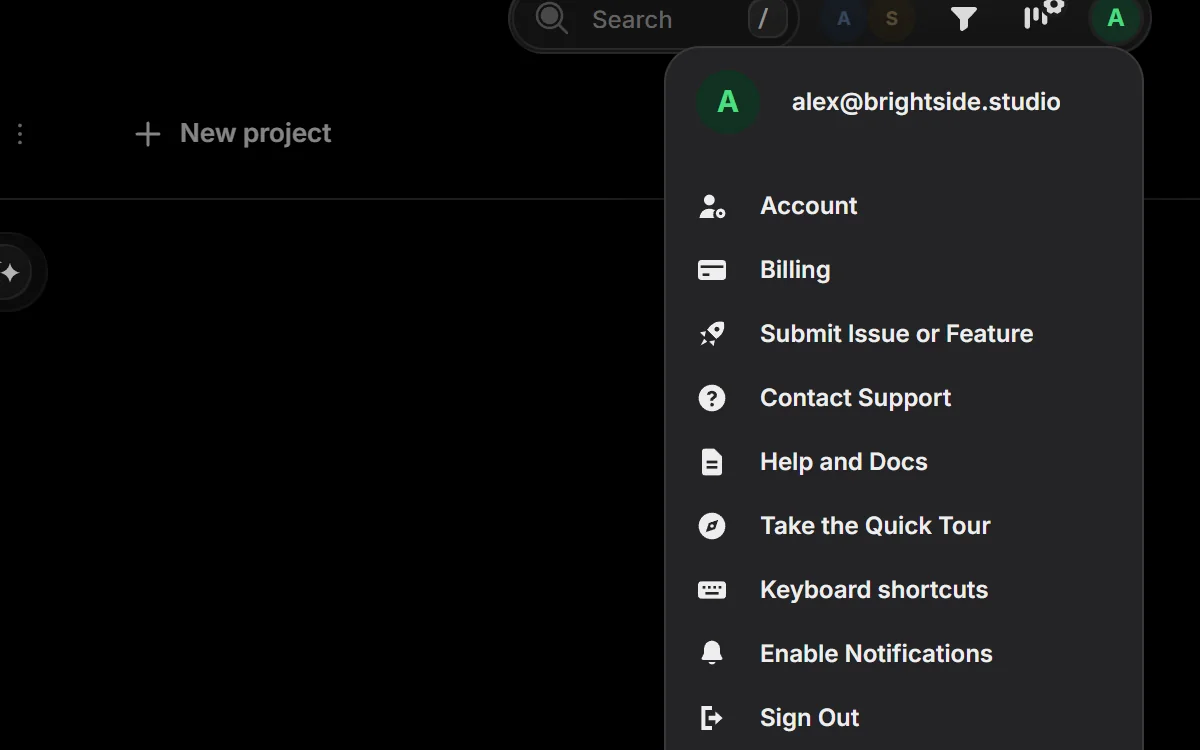
2. Billing is in your account menu
Click your avatar in the top right and pick Billing. That one page has your plan, your seats, your add-ons, your invoices and your payment method.
3. Seats follow your team
You don't buy seats ahead of time. Invite a teammate and your seat count goes up; remove someone from the team and it goes down. Changes in the middle of a billing period are prorated, so you only pay for the days a seat was used.
4. Add-ons right at checkout
When you subscribe, the checkout page lists the add-ons next to your plan, so you can pick them in one step:
- Site Health watches up to 25 client websites for $9 a month, or $108 a year on an annual plan.
- AI credit packs top up your monthly AI credits when a busy month needs more.
- Done-for-you setup is a one-time $99. We import your projects and set up your board within 2 business days.
Missed one? Every add-on can be added later from the Add-ons card in Billing.
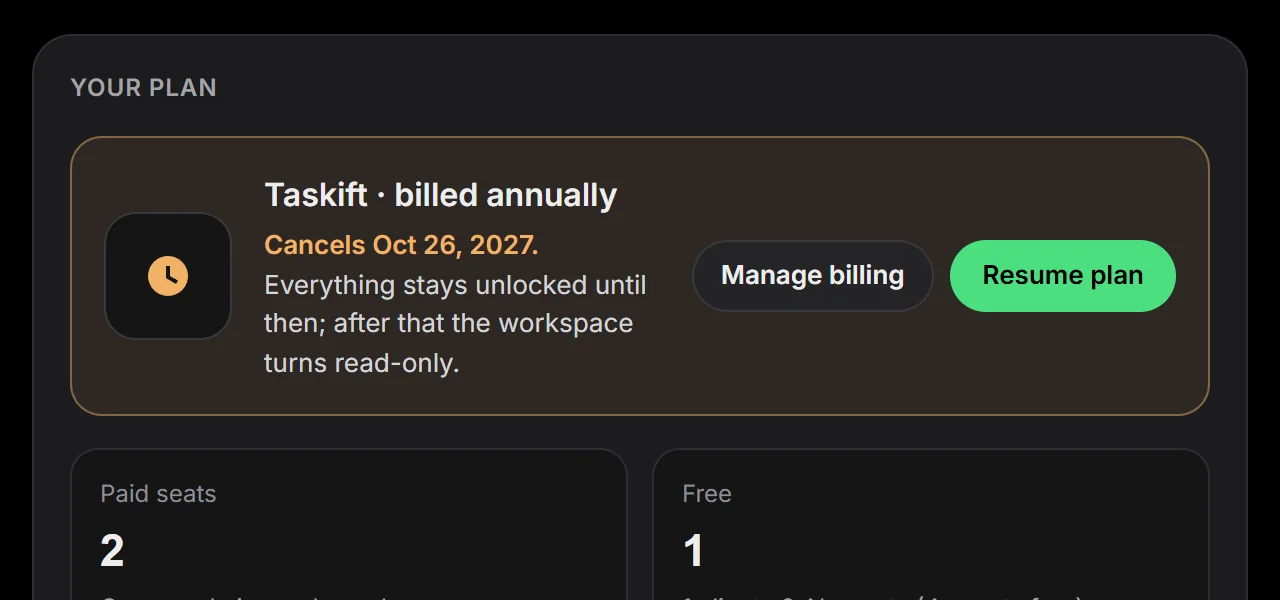
5. Canceling keeps your access to the end
Cancel from Billing and your plan stays active until the end of the period you already paid for. The plan card shows the date it ends. Change your mind before then and click Resume plan; nothing is lost and nothing needs setting up again.