Short answer: turn on the White-Label Portal add-on ($15 a month), upload your logo and color, point a subdomain like portal.youragency.com at Taskift with one DNS record, and invite your client. From then on the portal, the sign-in page and the client emails all carry your brand. It takes about 15 minutes, most of it waiting for DNS.
1. Why white-label at all?
Clients trust what looks like yours. A portal on your own address, with your logo and colors, reads as part of your service instead of one more tool they have to learn. It also keeps the relationship where it belongs: the client works with your agency, and the software stays in the background.
2. Turn on the add-on
In Taskift, open Billing, then the Add-ons card, and add White-Label Portal. It works on any paid plan and you can turn it off at any time.
3. Add your brand
Open White-Label in workspace settings. Upload your logo (PNG works best in email), pick your brand color, and set the sender name and the reply-to address. Taskift works out the darker and lighter shades of your color for the header, buttons and status tiles, so it looks designed rather than tinted.
4. Connect your own address
Enter a subdomain of your website, for example portal.youragency.com. Taskift shows you one DNS record to add where your domain is managed. Once the record checks out, the address goes live with HTTPS, and nothing else on your domain changes. The setup guide has the details.
5. Invite your client
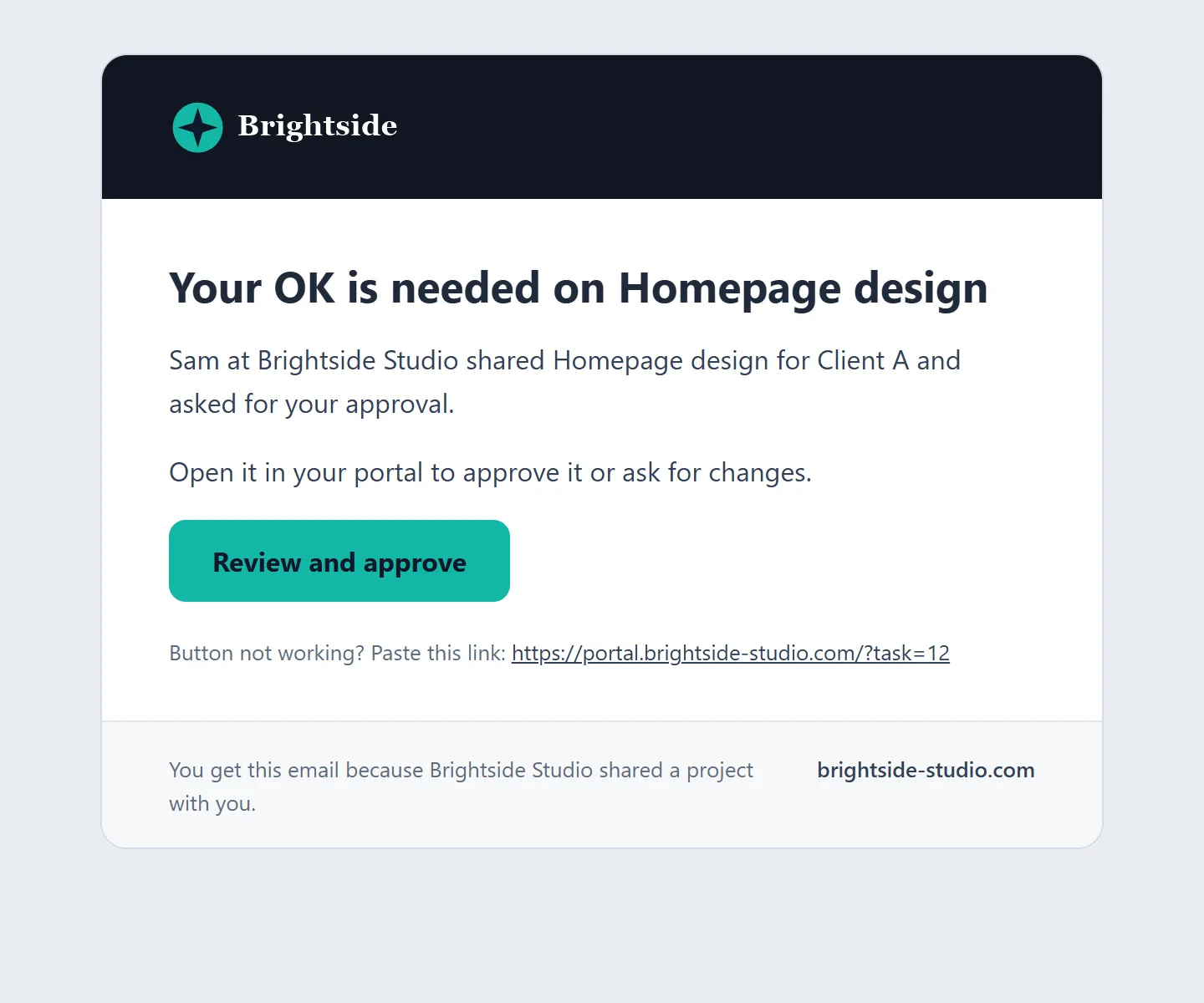
Share a project with your client as a guest. The invite email arrives under your agency's name with your logo. The client signs in on your address with a 6-digit code, so there's no password to forget, and they see only the projects you shared.
6. What your client gets
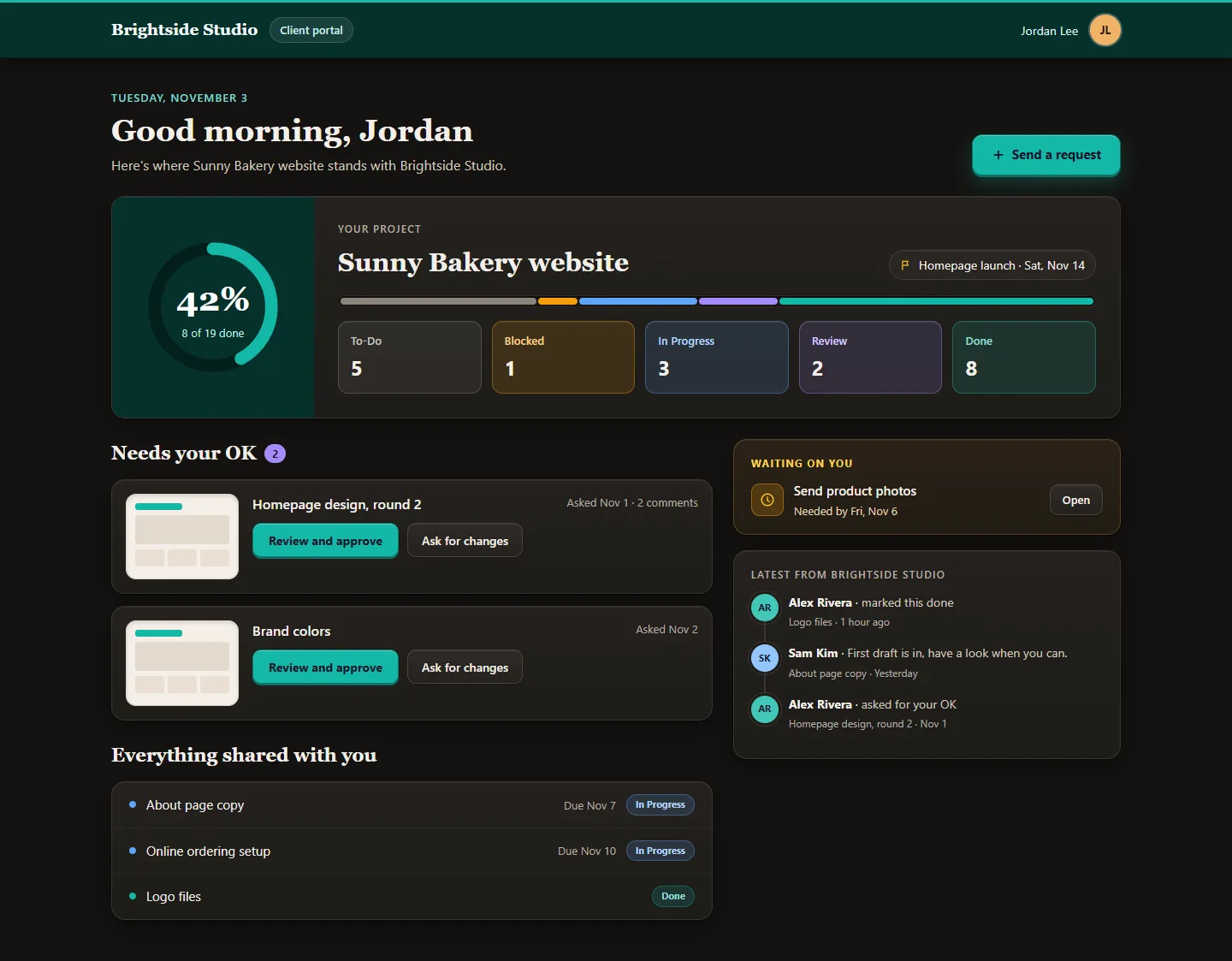
The portal opens on a progress ring and a clear count of what's done, in progress and blocked. A Needs your OK list shows each item waiting for approval, with a preview and two buttons: approve, or ask for changes. Everything else you shared sits in one list, and recent updates from your team run down the side. On a phone it all stacks into one column.
7. Common questions
Can my clients use my own domain? Yes. Pick a subdomain of your website, like portal.youragency.com, and add the one DNS record Taskift shows you. The address goes live once the record checks out, with HTTPS included.
Will clients see the Taskift name? Your logo, colors and name lead everywhere a client looks. A small Powered by Taskift line sits under the sign-in box, and you can turn it off in White-Label settings.
Which emails are branded? Portal invites, project shares, approval requests and reminders. They carry your logo, your button color and your agency name as the sender, and replies go straight to your inbox.
See every screen on the White-Label Portal page.